I Built an AI App in Google AI Studio. Here's How I Deployed It in Under a Minute.
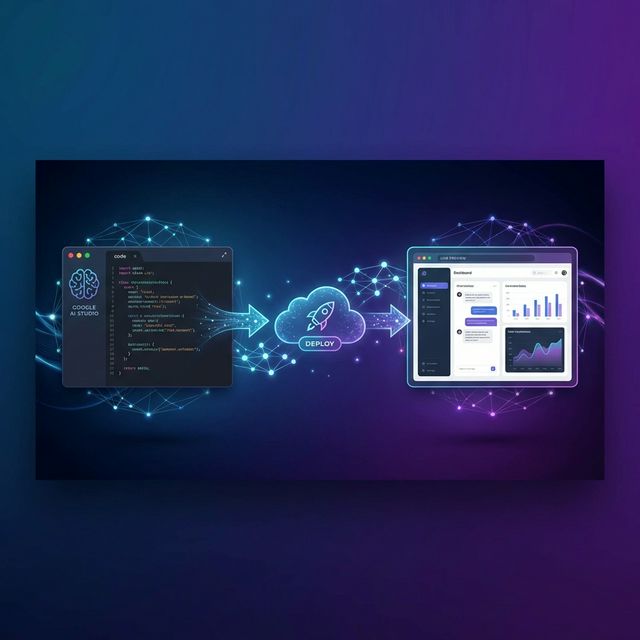
By Jason | Founder of FlyPloy
Last week, I built a simple AI chatbot using Google AI Studio. The whole process took me about 20 minutes — pick a model, tweak the prompt, test it, and hit "Export as code." Easy.
Then came the hard part.
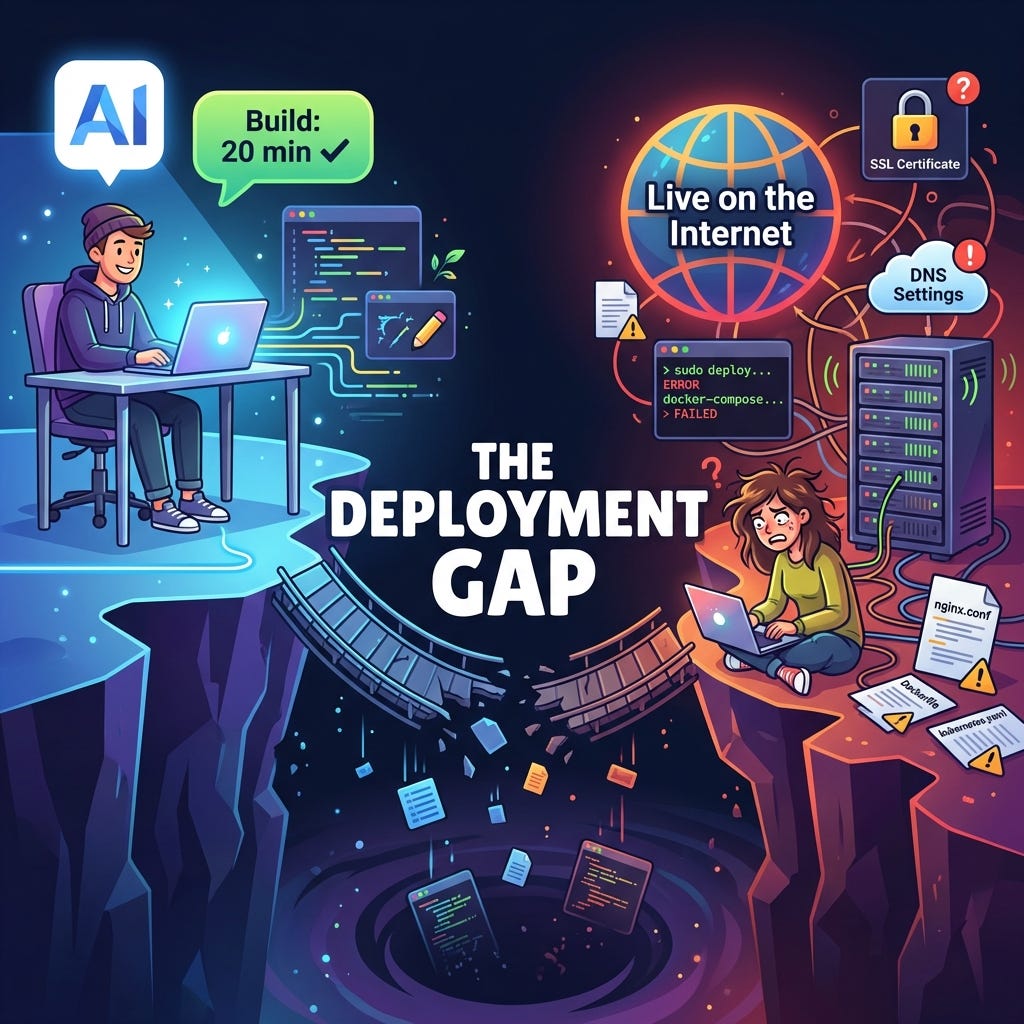
I wanted to share the chatbot with a friend. Not the code — a working link they could just open in a browser. That's when the familiar nightmare began: server setup, domain configuration, SSL certificates, environment variables, API key management…
Two hours later, I was still debugging a Nginx config file. The chatbot? Still on my laptop.
Sound familiar? If you've ever built something cool in Google AI Studio or with the Gemini API and wanted to show it to the world, you know exactly what I'm talking about.
That frustration is why I built FlyPloy — and why I want to show you a better way.
The Deployment Gap Nobody Talks About
Google AI Studio has made it incredibly easy to build AI applications. You can prototype a Gemini-powered app in minutes — no ML expertise required. The platform generates clean HTML, CSS, and JavaScript code that works perfectly in your browser.
But here's the gap: there's no "Publish" button.
Once you download your project files, you're on your own. And for anyone who isn't a DevOps engineer, the path from "working on localhost" to "accessible on the internet" is brutal:
- Server provisioning: Choose a cloud provider, spin up an instance, configure firewalls
- Domain setup: Buy a domain, configure DNS records, wait for propagation
- SSL certificates: Set up Let's Encrypt, manage renewals
- API key security: Figure out where to store your Gemini API key without exposing it in frontend code
- Ongoing maintenance: Monitor uptime, handle scaling, patch vulnerabilities
For a quick prototype or portfolio project, this is massive overkill. Most of those AI Studio creations die on developers' hard drives — not because they aren't good, but because deployment is too painful.
What If Deployment Took 15 Seconds?
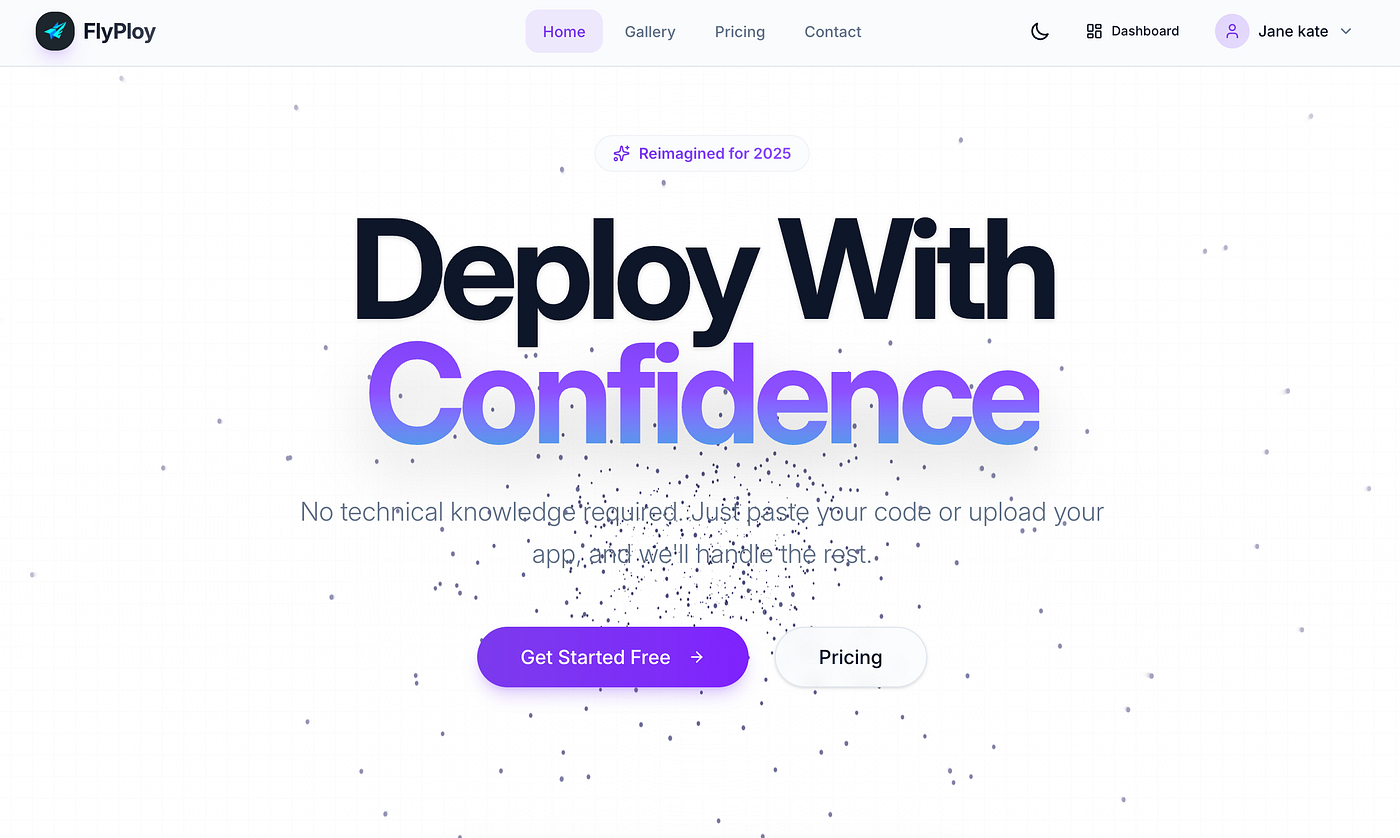
That's the question I asked myself after burning yet another weekend wrestling with deployment configs. And it's the core promise behind FlyPloy — an AI-native deployment platform built specifically for this era of AI-first development.
Here's the honest truth: FlyPloy isn't trying to replace AWS or compete with enterprise infrastructure. It's designed for one thing — getting your AI project online as fast as humanly possible.
No servers. No terminal commands. No DevOps knowledge needed.
How It Works: 4 Steps, 15 Seconds
The entire deployment process looks like this:
Step 1: Register — Create a free account at flyploy.com. Takes 30 seconds.
Step 2: New Project — Click "New Project" and give it a name. That's it.
Step 3: Upload Code — Paste your code directly, or upload the ZIP file you downloaded from Google AI Studio. FlyPloy supports HTML, CSS, JavaScript, and more.
Step 4: Deploy — Hit the Deploy button. Wait about 3 seconds.
Done. Your project is live at yourproject.flyploy.com with automatic HTTPS. Anyone in the world can open that link.
I timed myself deploying a Gemini chatbot I built in AI Studio. From opening FlyPloy to sharing the live link: 47 seconds. And I was being slow.
The Killer Feature: Gemini API Auto-Pairing
Here's where it gets really interesting — and this is the feature I'm most proud of building.
If you've worked with the Gemini API, you know the biggest headache isn't the code. It's managing the API key. The traditional options are all terrible:
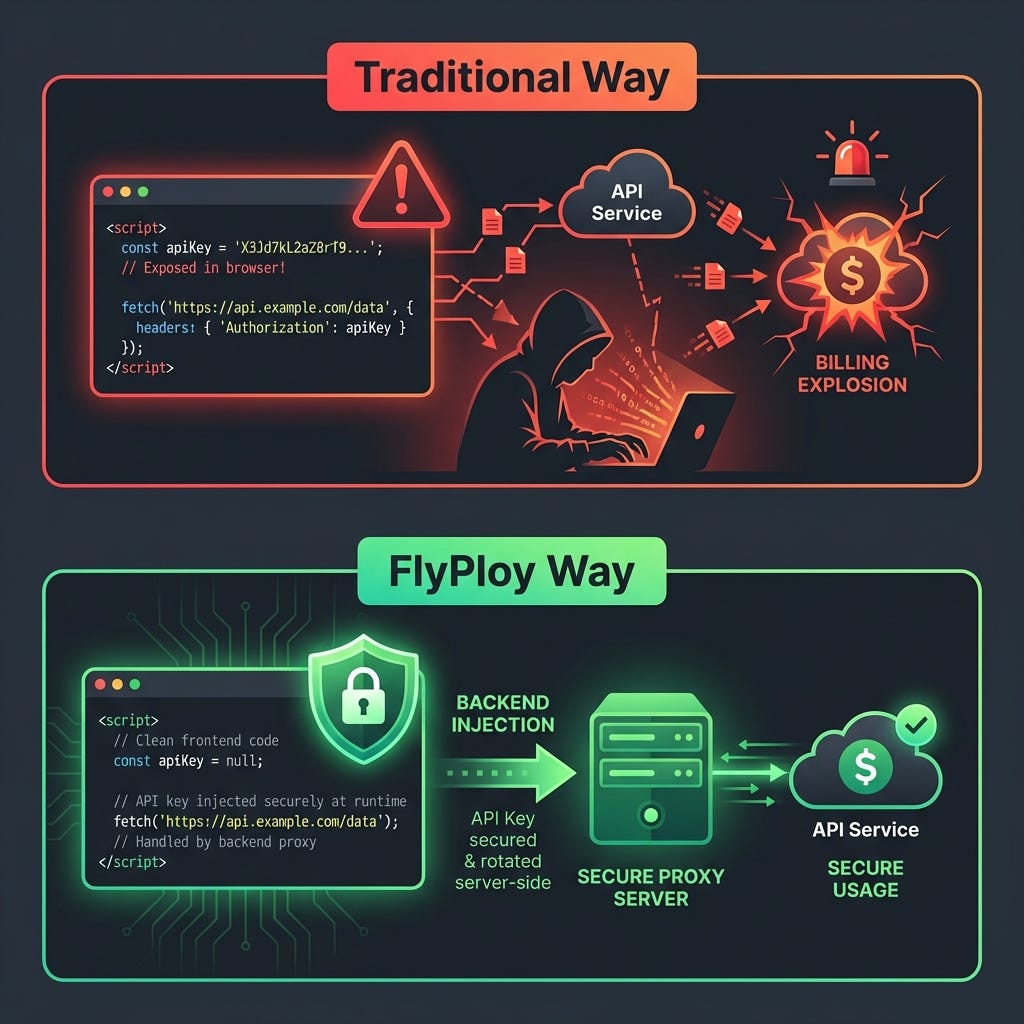
Option A: Hardcode it in frontend code → Anyone can open DevTools, find your key, and rack up charges on your account.
Option B: Use environment variables → Better, but now you need a server-side setup, which defeats the purpose of a quick deployment.
Option C: Build a backend proxy → The "correct" solution, but you've just turned a 20-minute project into a 2-day project.
FlyPloy's approach? None of the above.
When you deploy a project that uses the Gemini API, FlyPloy automatically detects it and injects the API key on the backend. Your frontend code stays completely clean — no key, no environment variables, no exposed secrets.
Here's what my actual deployment looked like:
- Built a Gemini-powered image analyzer in Google AI Studio
- Downloaded the code — noticed it references the Gemini API
- Uploaded the ZIP to FlyPloy without adding any API key
- Hit Deploy
- Opened the live site — everything worked perfectly
The API calls are proxied through FlyPloy's secure backend. The key never touches the frontend. It's the deployment experience I always wished existed.
This is a paid member feature. Starter plan members get 1,000,000 AI tokens per month included — which is more than enough for prototyping and demo purposes. Check out the transparent pricing to see what's included.
How FlyPloy Compares
I've used most deployment platforms out there. Here's an honest comparison:
| Feature | Vercel | Netlify | Railway | FlyPloy |
|---|---|---|---|---|
| Deploy time | Minutes | Minutes | Minutes | Seconds |
| Git required? | Yes | Yes | Yes | No |
| AI API auto-pairing | No | No | No | Yes |
| Free SSL | Yes | Yes | Yes | Yes |
| Pricing clarity | Complex | Confusing | Variable | Simple |
| Target user | Pro devs | Pro devs | Backend devs | Everyone |
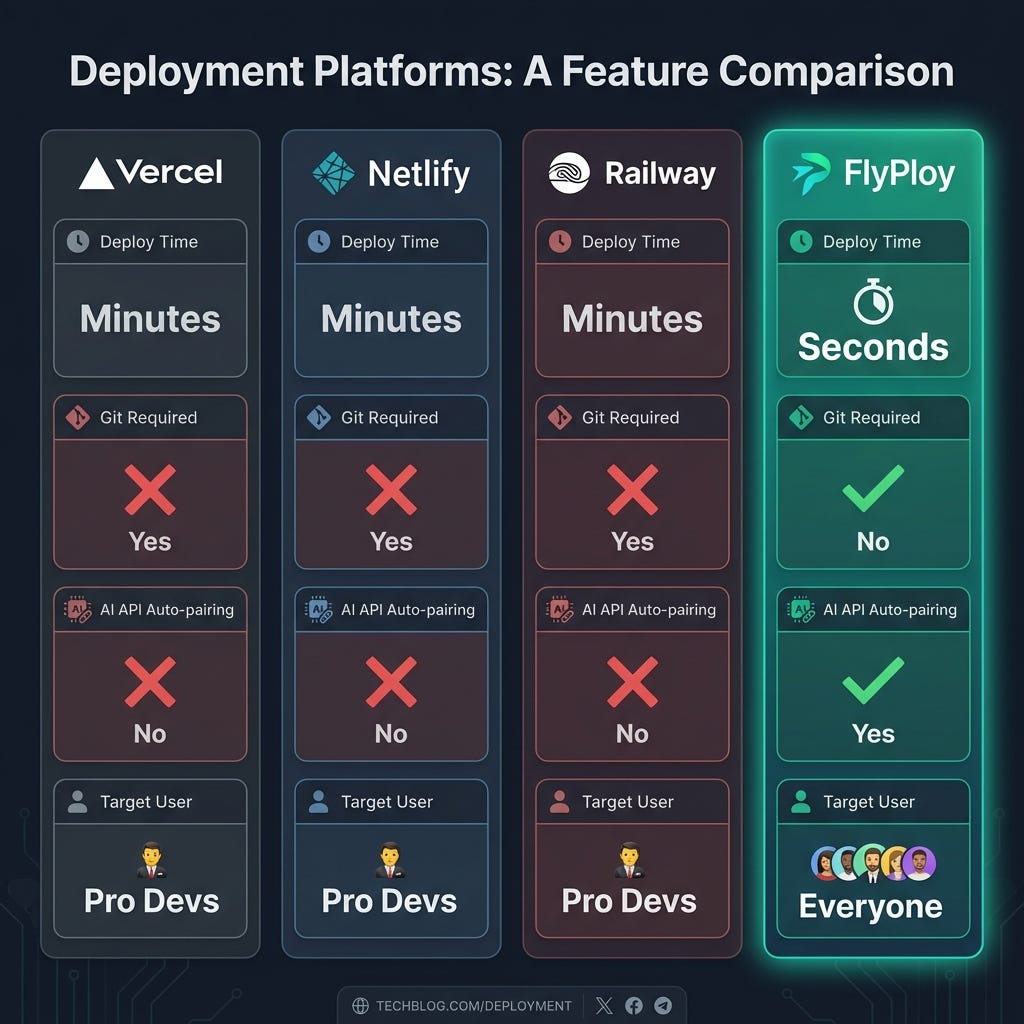
Vercel and Netlify are fantastic platforms — I use them for production applications. But they're designed for professional developers working with Git-based workflows. If you just want to take a ZIP file from Google AI Studio and get it online, they're overkill.
Railway is great for backend services but doesn't focus on the "AI Studio to live demo" workflow.
FlyPloy fills a specific gap: the fastest path from AI prototype to shareable link. If you're interested in deeper comparisons, I wrote detailed breakdowns of FlyPloy vs Vercel, the best Netlify alternative, and the best Railway alternative for the AI era.
Who Is This Actually For?
Based on the users I've talked to since launching FlyPloy, here are the people getting the most value:
Students and bootcamp grads — Instead of telling recruiters "I built a project," you can hand them a live link. A working demo beats a GitHub repo every time when it comes to landing interviews.
Hackathon participants — When you have 24 hours to build and present, spending 3 of those hours on deployment is a deal-breaker. With FlyPloy, deployment is literally not a factor. Deploy, get the link, move on to polishing your pitch.
Indie developers and makers — Testing an idea? Ship the MVP in minutes, share it on Twitter/X, get feedback, iterate. The build-deploy-feedback loop shrinks from days to minutes.
Product managers and founders — You don't need to wait for your engineering team to "deploy to staging." Build a concept in AI Studio, deploy it yourself, share it with stakeholders. Done.
Getting Started
If you've been sitting on an AI project that never made it past your local machine, here's my challenge to you: deploy it today.
- Go to flyploy.com
- Upload that project you built in Google AI Studio
- Share the link
Your first project includes a free 7-day trial — no credit card required. If you need multiple projects or the Gemini API auto-pairing feature, the Starter plan keeps things simple and affordable.
The gap between "I built something cool" and "anyone can use it" should be 15 seconds, not 15 hours. That's what FlyPloy is for.
I'd love to hear what you deploy. Drop a comment with your project link — I check every single one.
Have questions about deploying your AI project? Visit our FAQ or reach out through our contact page. You can also browse the project gallery to see what others have built and deployed.
About the Author
Jason is the founder of FlyPloy, an AI-native deployment platform. After years of watching great AI projects die on developers' laptops, he built FlyPloy to make deployment as simple as clicking a button. When he's not shipping features, he's probably building something in Google AI Studio.